Anydesk
AnyDesk, a fast remote access to computers

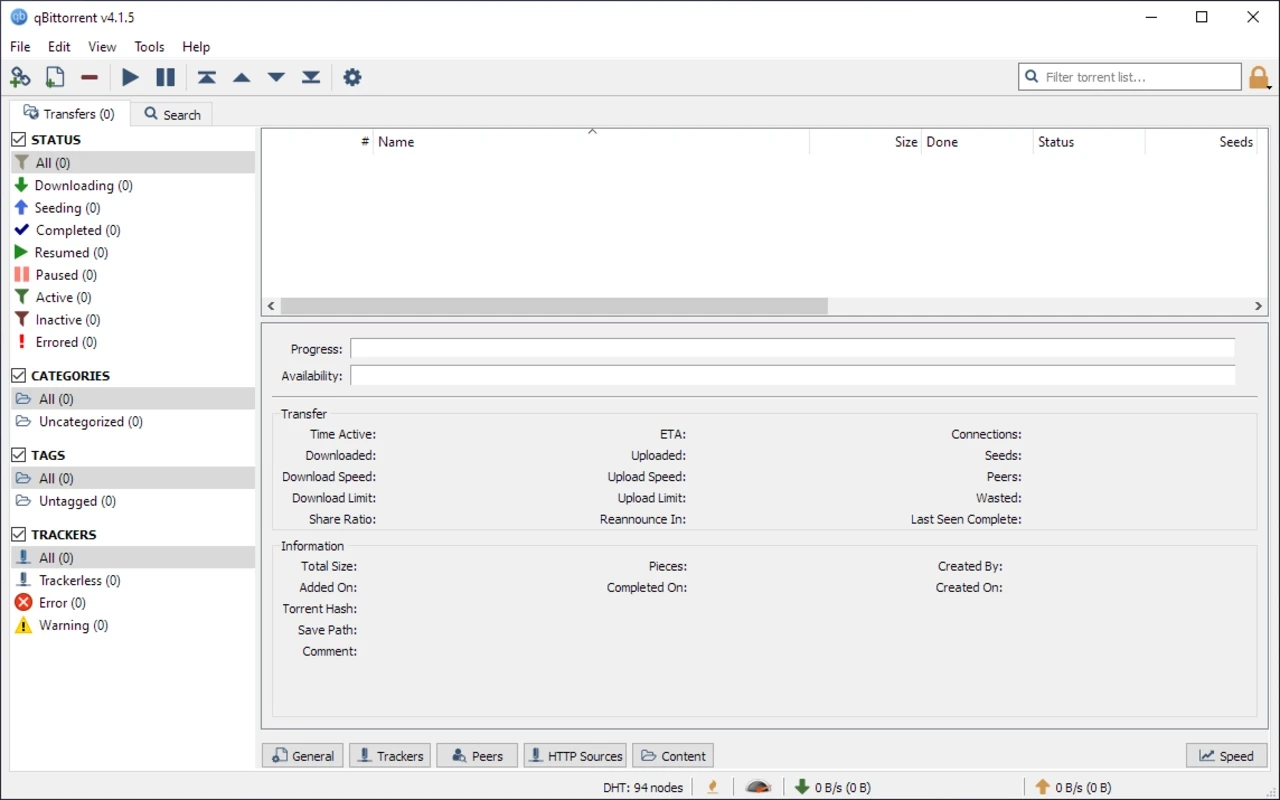
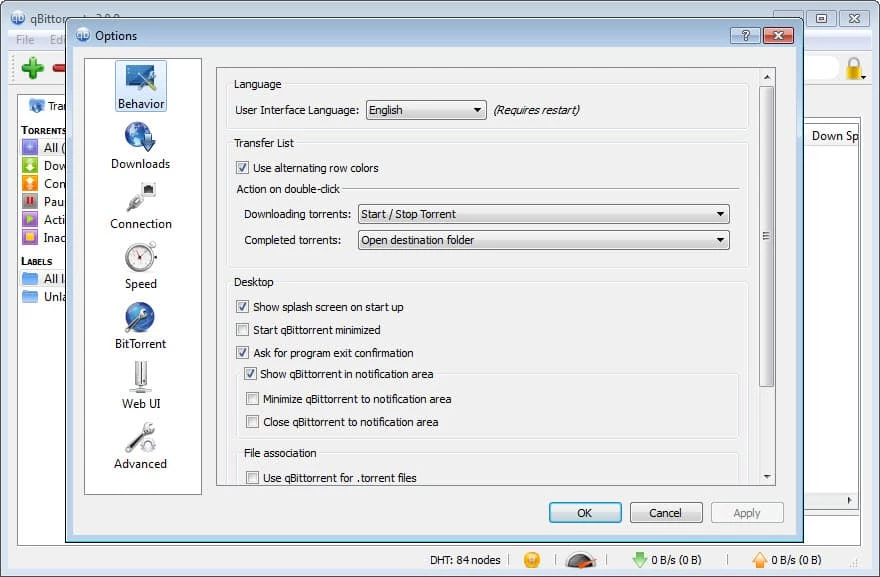
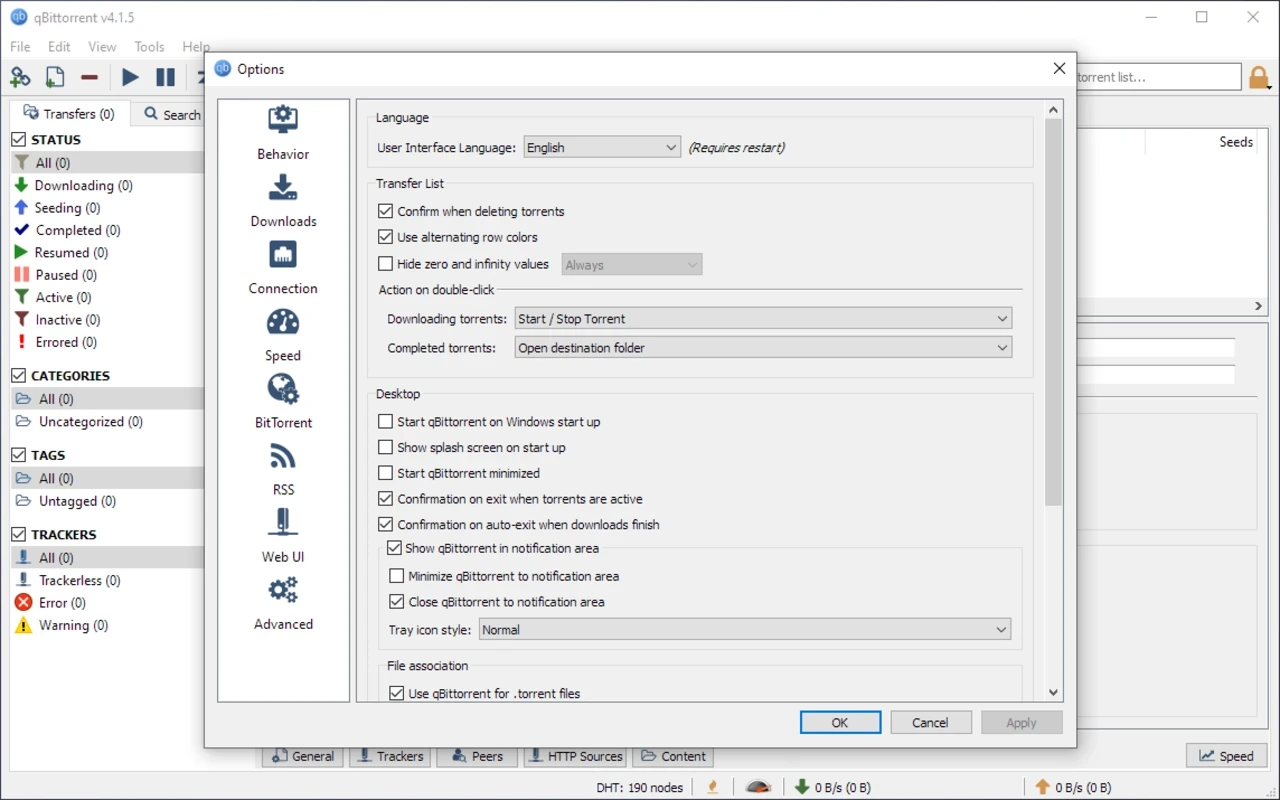
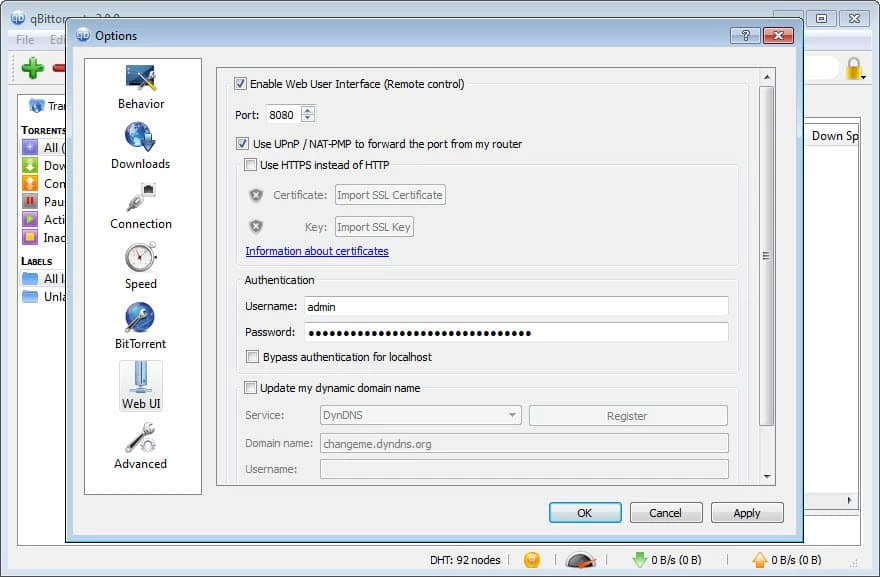
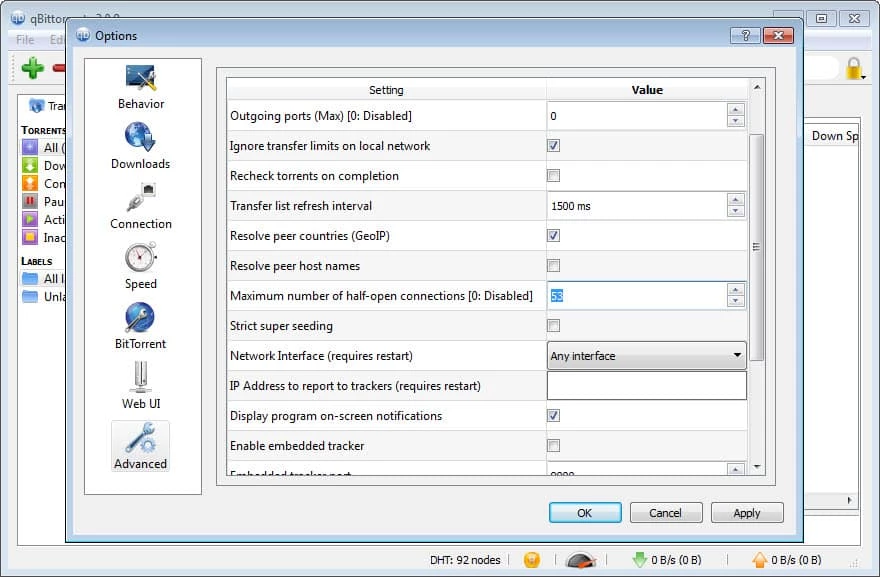
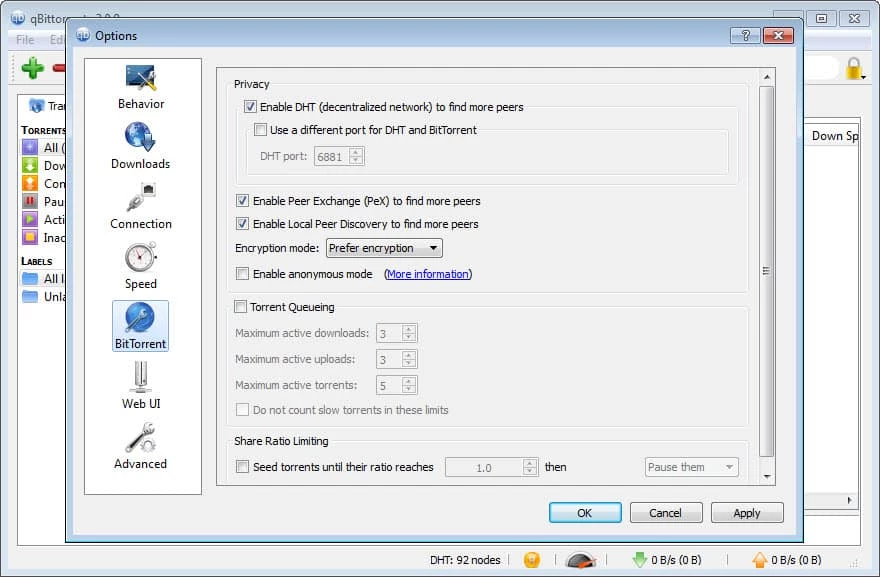
qBittorrent is a reliable and efficient BitTorrent client that offers P2P file-sharing software. It is the best alternative to popular uTorrent while offering quick and efficient torrent downloading. It is free, open-source, and equipped with a built-in powerful search engine to allow users access to their required torrents right from the platform.
It offers a nice Qt user interface and Web UI to remotely control the torrenting, even reliable for low-end devices. The support for multiple search providers helps to get filtered results within organized categories.
qBittorrent developed by Christophe Dumez and released in 2006, is one of the most effective BitTorrent clients. It is free, open-source, and cross-platform to allow a robust file downloading and uploading process. It is built in C++ programming and maintained by donations and a solid community.
The simple-to-use app with free and open-source facility offers seamless compatibility with UPnP/NAT-PMP, and has RSS subscription with download filters, and so on. It also integrated with Pirate Bay, Mininova, and IsoHunt search engines to make your searches quick, easy, and simple.
The user-friendly interface is uncluttered and looks similar to uTorrent, which has an iconic top toolbar. It is equipped with multiple functions such as Add Torrent Links, Add Torrent File, Delete, Resume, Pause, and Settings. The Settings menu has all common elements that are clearly defined through relevant icons.
The app offers a comprehensive built-in search engine that is designed in Python. It can be enabled using additional plug-ins, and helps users to search a huge collection of websites for torrenting simultaneously. However, the search engine in some cases proves unstable and unreliable.
It works with the P2P file-sharing protocol that allows the sharing of electronic files or other information over the internet. It is the best solution for transferring large files, including multimedia files, and other important data. It makes the sharing process simple while creating a group of multiple users and peers, and helps to reduce the load on the server and network. The lower bandwidth options offer effective workflow over digital networks.
The innovative software with free download offers a wide range of features to function more reliably while offering easy installation, basic configuration options, integrated libraries, and a lot of other tools, including Qt toolkit, Boost, etc. The software also offers high-end encryption, scheduled speed limits, magnet links, RSS feeds, automatic downloads, protection from trackers, multiple languages, and so on.
It is another key feature that offers batch downloading while allowing users to continue their other important activities. In addition, you can prioritize specific files while rearranging them in the queue and control peers, trackers, and other parameters as well. You are also capable of limiting bandwidth while using the built-in scheduler and downloading the files when they are available for free.
The software also offers a straightforward torrent file creation process, even for those who don’t have any technical skills or knowledge. Select the file or folder from the hard drive, and insert information in the specific fields such as web seed URLs, tracker URLs, etc. You can also avoid the distribution of your file over a DHT network, as you set your file as “Private” before uploading it.
The platform supports all popular operating systems such as macOS, Linux, Microsoft Windows, and so on. In addition, you can use the innovative app in nearly 70 languages, and more reliably manage your downloading process without any complication of language.
The app also offers multiple additional features, such as advanced bandwidth scheduling that allows users to limit their uploading and downloading speeds globally, or on a per-torrent basis. In this way, you can optimize bandwidth usage according to your requirements.
Advanced IP filtering is used for preventing unnecessary connections while utilizing eMule-style blocking. The importing of comprehensive blocklists makes it an enhanced utility.
The support for RSS feeds enables users to automate their downloading experience and retrieve torrents that better suit their filters. You can get improvements based on keywords or regular expressions while managing multiple feeds, and ensure to get updates on time.
The enhanced downloading and uploading speed is possible while avoiding torrent health and ISP throttling. The well-optimized software offers awesome services, even on low-end devices, while consuming low CPU usage. However, the RAM usage will increase with the number of active torrents, and the system with slower hard drives can also display the minimum performance, especially when you are downloading and uploading heavy files.
Pros
Cons

AnyDesk, a fast remote access to computers

Accelerated Downloading with Internet Download Manager (IDM)

SHAREit for PC is the best option for a P2P file-sharing process without using Wi-Fi.

ShareMe for PC, a freeware and streamlined file-sharing app

uTorrent, a powerful, lightweight, and fastest P2P file-sharing software

Xender for PC, an effective and convenient file transfer utility